
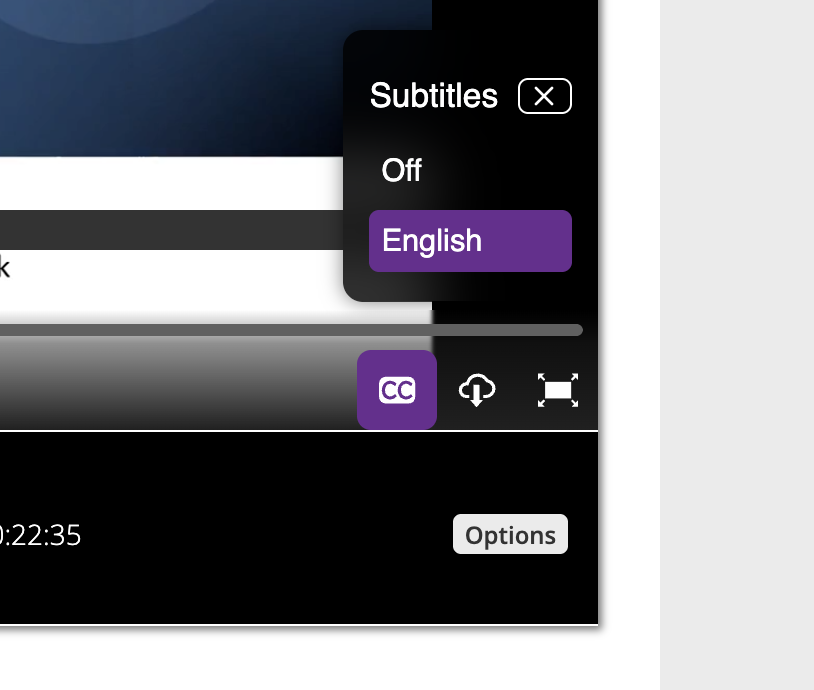
To view subtitles for a video on the Video Portal/embedded player simply click on the subtitles icon (CC) on the player toolbar and select the ‘English’ option, as highlighted in the image below.
If the subtitles button is not present, it means the video does not currently have subtitles available and you will need to request them by following the instructions on this page.