
You can download the subtitle file for a video (in .vtt format) and the transcription file (in .txt format) by following the instructions below.
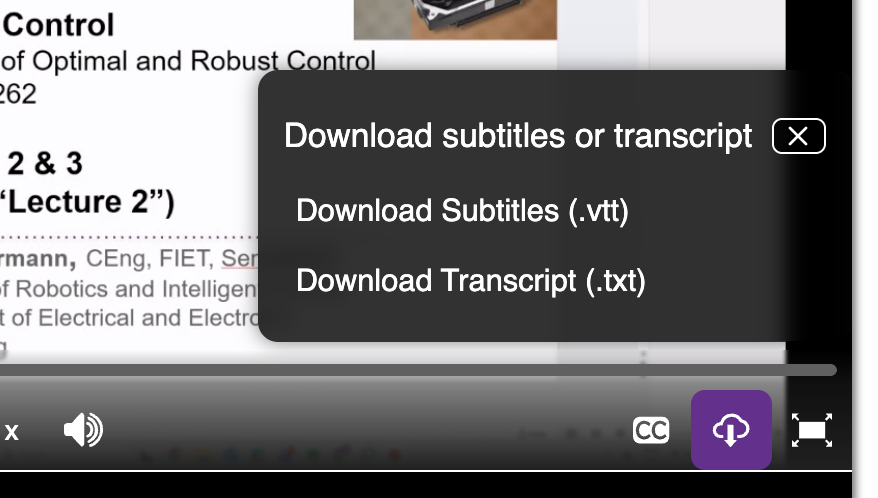
You can download the existing subtitle file for a video on the Video Portal or embedded player by clicking on the download icon on the toolbar and choosing the download subtitle or transcript options from there, as highlighted in the image below.
Editing the subtitle file
The original uploader of the video is able to replace the subtitles for the video by following the instructions mentioned in this FAQ page.
A VTT file can be opened in any text editor, such as Notepad on Windows, or Textedit on a Mac. The file will contain the timings and subtitle text to be displayed.
The transcription file does not need to be edited as it is automatically produced from the subtitles; so if a subtitle file is updated, the transcription file will also reflect those changes automatically.